
1099 for Subcontractors: A 2026 Small Business Guide
January has a way of exposing every weak spot in your bookkeeping.
A business owner will often spend all year focused on getting jobs done, paying people quickly, and keeping work moving. Then tax season arrives, and the questions start piling up. Which subcontractors need a 1099? Did those ACH payments count? Was that vendor a sole proprietor or an S-Corp? If your records are messy, 1099 season turns into detective work.
That's why smart 1099 compliance doesn't start in January. It starts when you add a vendor, enter a bill, approve a payment, and reconcile the bank feed. When those steps are handled correctly all year, filing 1099s becomes an administrative task, not a crisis.
The Year-End Scramble Every Business Owner Dreads
By the last week of January, the pattern is always the same. Someone is searching old emails for a W-9, scrolling through bank transactions, and trying to remember whether a subcontractor was paid by check, ACH, or card. The work itself is already done. The problem is the paper trail.
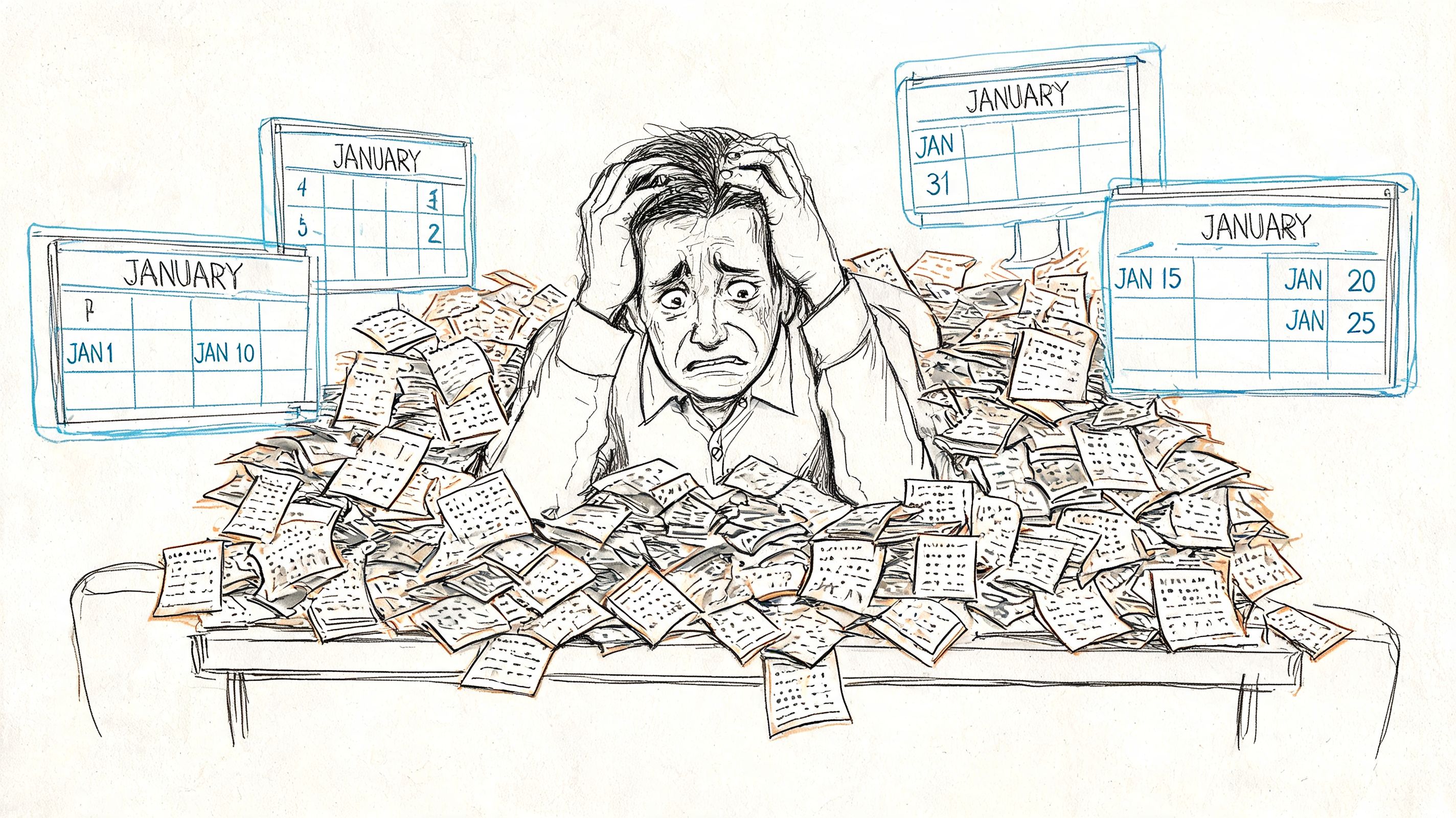
For small businesses that rely on subcontractors, this scramble creates two risks at once. First, you can miss a filing that should have been made. Second, you can issue forms you never needed to send in the first place. Both problems usually come from the same source: inconsistent recordkeeping.
A typical example looks like this. You hired a plumber for one job, an electrician for another, and a freelance marketer for a short campaign. Nobody seemed like a big compliance issue at the time. Months later, those smaller payments add up, and now you're trying to reconstruct totals from memory instead of from clean books.
Keep this simple. If you wait until January to figure out your subcontractor records, you're already behind.
The businesses that avoid this mess usually treat year-end forms as the output of an organized process. They don't treat them as a separate tax chore. That's one reason ongoing bookkeeping support for small businesses matters so much. Good monthly books don't just help with cash flow and reporting. They also make compliance far less painful.
The objective with 1099 for subcontractors isn't just filing on time. It's building a system where you already know who was paid, how they were classified, and whether they belong on your filing list before January even starts.
1099-NEC vs 1099-MISC The Core Distinction
Business owners still mix these forms up, mostly because both are 1099s and both have existed for years. But for subcontractor payments, the distinction matters. If you're paying someone for services and they're not your employee, the form you're generally dealing with is Form 1099-NEC.
The IRS brought back Form 1099-NEC in 2020 after nonemployee compensation had previously been reported on 1099-MISC. That change was meant to separate contractor pay from other miscellaneous payments and make reporting clearer for everyone involved.
What belongs on each form
Here's the practical version. If you paid a subcontractor, freelancer, or independent contractor for business services, think 1099-NEC first. If you're dealing with other types of payments, 1099-MISC may come into play.
Criteria | Form 1099-NEC (Nonemployee Compensation) | Form 1099-MISC (Miscellaneous Information) |
|---|---|---|
Primary purpose | Reports payments for services performed by nonemployees | Reports certain miscellaneous business payments |
Typical recipient | Subcontractors, freelancers, independent contractors | Recipients of non-service miscellaneous payments |
Best use case | You paid someone who worked for your business but is not on payroll | You made a payment that doesn't fit nonemployee compensation |
Why it matters | Directly tied to contractor compensation tracking | Used for categories outside standard subcontractor service pay |
Common business confusion | Owners sometimes use MISC out of habit | Owners sometimes assume all 1099s should be MISC |
That table won't replace the IRS instructions, but it does eliminate the most common mistake: using the old form out of habit.
Why the distinction matters operationally
Using the wrong form doesn't just create paperwork noise. It also makes your records harder to review internally. If your accounting system tags a service provider correctly from the beginning, your year-end reporting is much cleaner.
This is especially important if you're already juggling payroll and contractor payments in the same business. Employees belong in your payroll process. Contractors belong in your accounts payable workflow, with reporting routed to 1099-NEC where applicable. If that line is blurry, fix it early. A strong small business payroll process keeps W-2 workers and 1099 vendors from being mixed together.
Practical rule: If the person provided services to your business and isn't an employee, start by evaluating 1099-NEC, not 1099-MISC.
A lot of year-end stress comes from trying to correct a setup problem after months of payments. Form choice is one of those setup problems. Get it right once, and the rest of the workflow gets easier.
Determining Who Needs a 1099-NEC
The basic rule is straightforward. Form 1099-NEC is required for nonemployee compensation paid to subcontractors and independent contractors when annual payments reach $600 or more for payments made in 2025, reported in 2026, according to this construction-focused 1099 reporting guide. The same source notes that this applies broadly to service providers such as plumbers, electricians, and carpenters, while excluding pure materials vendors, corporations, and W-2 employees.
The most important word in that rule is annual. This is not a per-invoice test. A vendor who receives several smaller payments over the year can still cross the filing threshold.
Who usually qualifies
For most small businesses, the following groups are where 1099 issues show up:
Trade subcontractors like electricians, plumbers, carpenters, and installers who provide labor as part of your business operations.
Independent professionals such as consultants, designers, marketers, or bookkeepers working outside your payroll.
Service-based LLCs or partnerships that aren't taxed as corporations and receive qualifying business payments.
The payment method matters too. The same verified guidance states that payments made by cash, check, ACH, or bill pay count toward the threshold.
What doesn't count
Not every payment to a nonemployee triggers a 1099 obligation.
Personal payments don't belong here. If you hire someone for work unrelated to your business, that's outside the business reporting framework.
W-2 employees are handled through payroll, not 1099 reporting.
Pure materials vendors generally don't fall into the nonemployee compensation category.
Owners often make things harder than necessary. They try to answer the 1099 question in January by reviewing all vendor spend at once. A better approach is to decide at vendor setup whether the person or business is likely a service provider, then track that status throughout the year.
If you're unsure whether a business entity is exempt, the cleanest next step is to confirm the vendor's tax classification before relying on assumptions. Understanding which corporations receive a 1099 and which do not becomes important during this process.
A clean 1099 for subcontractors process starts with one simple habit: identify service vendors when they enter your system, not after they've already been paid for months.
Key Exemptions and Common Exceptions
One of the fastest ways to waste time in January is preparing forms for vendors who were never supposed to receive them. Knowing the exemptions matters just as much as knowing the threshold.
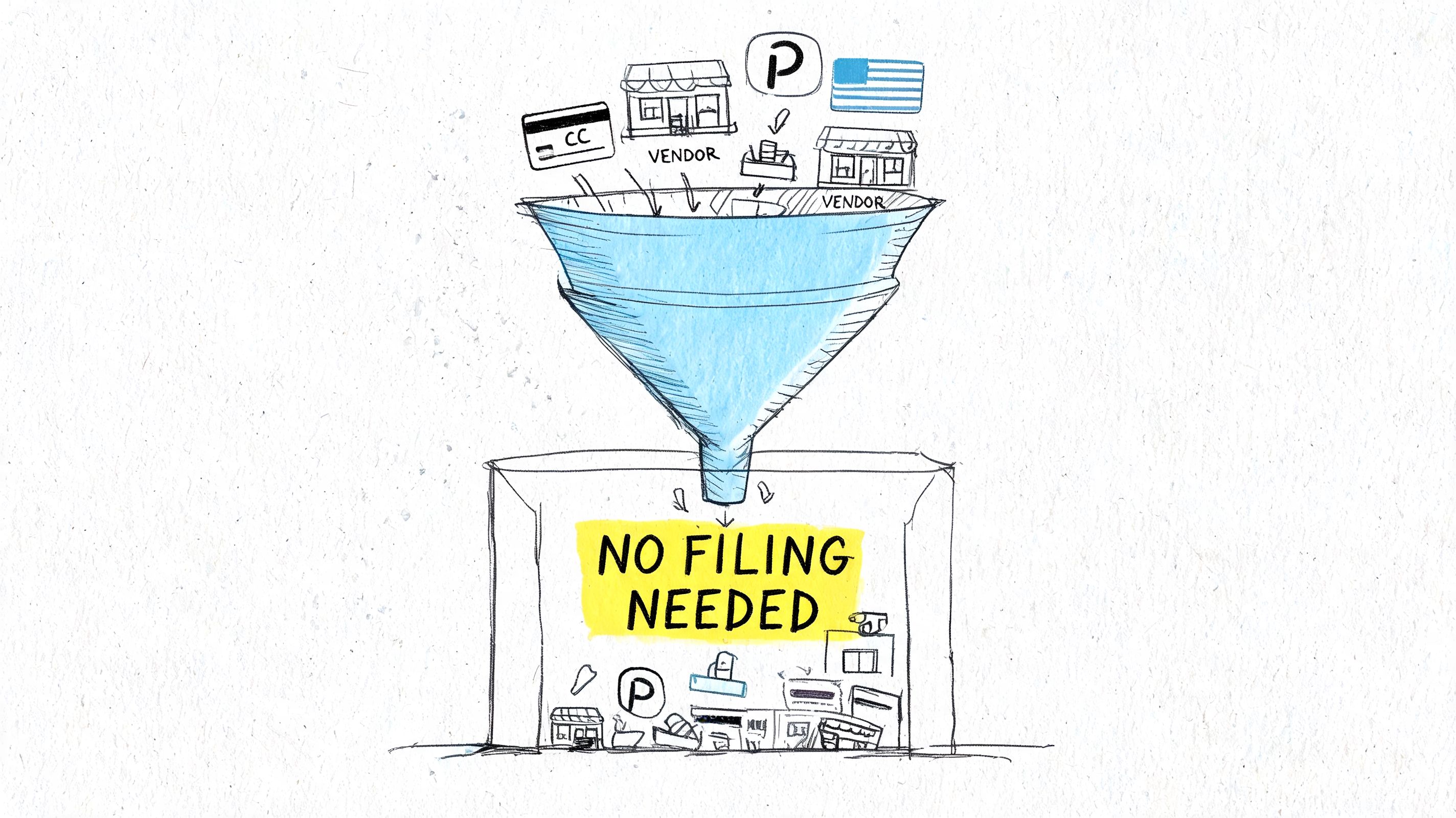
The biggest exemption is entity type. Payments to C Corporations and S Corporations are exempt from 1099-NEC reporting requirements regardless of amount, and that's why collecting a W-9 up front matters so much, as explained in BoomTax's overview of construction 1099 rules. The same guidance gives a clear example: a plumbing subcontractor operating as a sole proprietor and paid $800 annually must receive a 1099-NEC, while that same business organized as an S-Corp does not.
The W-9 is your filter
A completed W-9 gives you the vendor's legal name, taxpayer identification number, and federal tax classification. Without it, you're guessing. Guessing is how businesses issue unnecessary forms or miss required ones.
A solid intake process usually looks like this:
No W-9, no setup. Don't create the vendor loosely and “come back to it later.”
Check classification before first payment. Sole proprietor, partnership, and corporation don't lead to the same reporting result.
Store the document where accounts payable can find it. A W-9 buried in one person's inbox isn't a system.
Payment method exceptions
Another frequent source of confusion is payment channel. Some vendor payments may be reported by the payment processor rather than by your business on Form 1099-NEC. That's why the payment method should be part of your review, not just the vendor total.
If you pay the same vendor through more than one method, your bookkeeping needs to separate those transactions clearly. Otherwise, your totals can be distorted at year-end.
Here's a short explainer that helps clarify common exceptions before filing season gets tight:
Goods are not the same as services
A pure materials vendor is not the same as a subcontractor performing labor. That distinction sounds obvious until an invoice includes both.
If a vendor provides services plus materials, don't assume the whole transaction should be treated like a materials purchase.
That's where coding discipline matters. The cleaner your bill entry and expense coding are during the year, the easier these exception decisions become later.
Your Step-by-Step 1099 Filing Workflow
The businesses that handle 1099 season calmly usually follow the same rhythm all year. They don't wait for a January report to tell them what happened. Their accounts payable process already contains the answer.
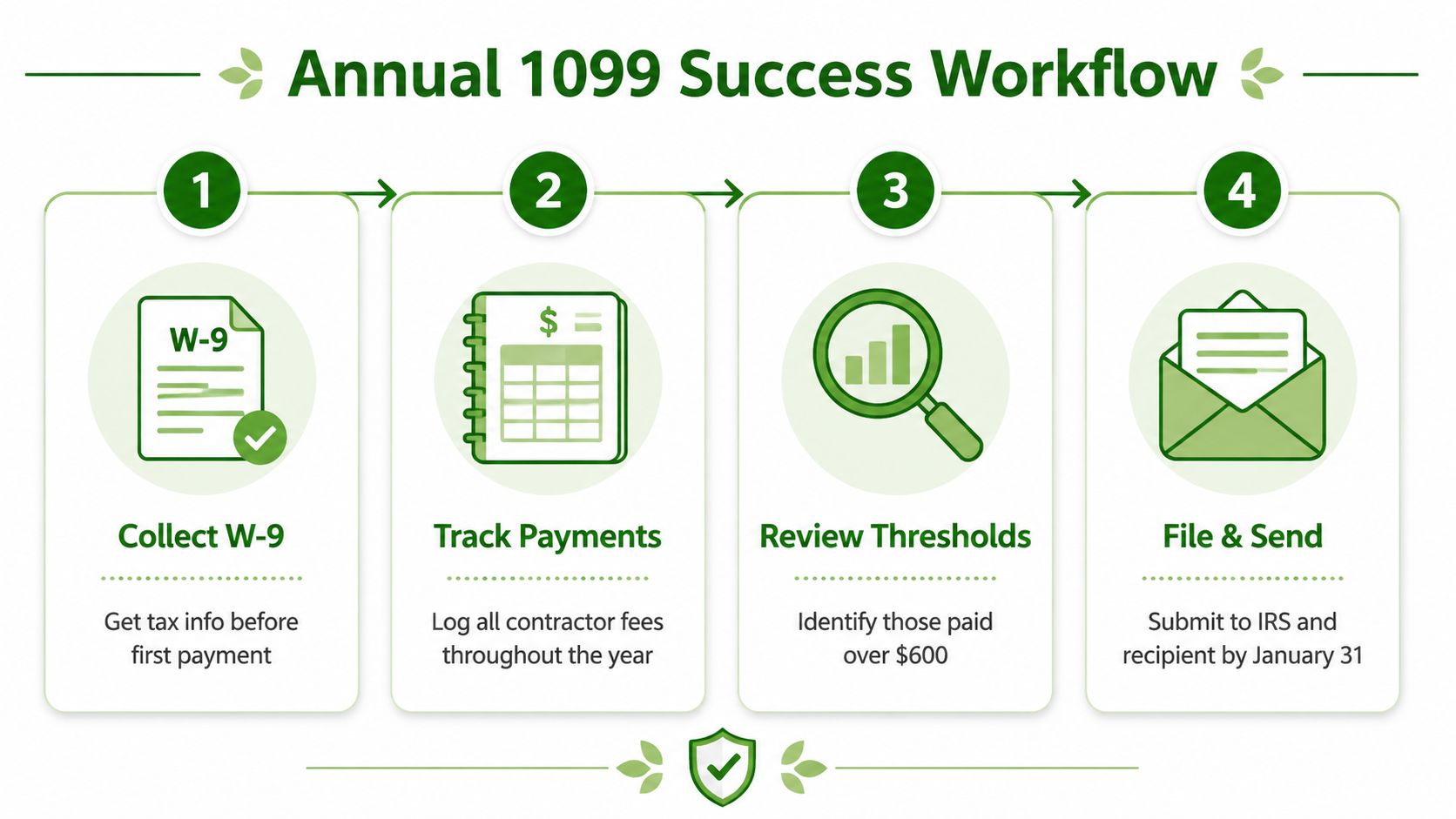
Step 1 Collect the W-9 before payment
This is the gatekeeper step. Before a subcontractor receives the first payment, collect the signed W-9 and verify the legal business name and tax classification. If you skip this, every later step gets harder.
Owners often resist this because they want to move quickly. But “pay now and clean it up later” is exactly how vendor files become incomplete.
Step 2 Set up the vendor correctly in your accounting system
In QuickBooks Online or Xero, vendor setup should do more than hold contact details. It should identify whether the vendor is potentially 1099-eligible and how their payments should be tracked.
Good setup includes:
Clear vendor naming so year-end matching isn't thrown off by duplicates or abbreviations.
Consistent expense coding tied to services, not random catch-all categories.
A 1099 review flag so the vendor appears on the right reports later.
If your payables process is loose, this is usually where the problem begins. A disciplined accounts payable workflow makes 1099 reporting more accurate because every bill, approval, and payment follows a consistent path.
Step 3 Track payments during the year
Once the vendor is set up correctly, payment tracking becomes routine. Enter bills accurately. Apply payments to the right vendor record. Reconcile bank and card activity consistently so transactions aren't floating unassigned for months.
This is also the point where mixed invoices need attention. If a subcontractor invoice includes labor and materials, don't leave it as one vague line item if you'll need that distinction later.
Step 4 Review before year-end, not after it
A practical workflow includes a review before January. By late in the year, run a vendor payment report and compare it to your W-9 file. Look for missing tax IDs, duplicate vendors, and vendors whose entity type doesn't match how they were coded.
A short review checklist helps:
Match vendor names against W-9 records.
Confirm payment methods so you know which transactions belong in your filing review.
Inspect mixed invoices where labor and materials may need separation.
Resolve missing information while vendors are still reachable and responsive.
Step 5 File and furnish on time
When January arrives, you should be preparing forms, not researching basic facts. Generate the 1099-NEC from your accounting software or filing platform, verify the totals, furnish the recipient copy, and submit the IRS filing by the required deadline.
The cleanest 1099 process is boring. That's the point. It should feel like a repeatable monthly routine, not a rescue project.
This is also where support options vary. Some businesses handle filings inside QuickBooks or Xero integrations. Some use separate filing platforms. Some outsource the workflow entirely. Book Tech LLC, for example, offers 1099 subcontractor management as part of ongoing bookkeeping support, including W-9 collection, payment logs, and filing coordination. The right choice depends on your volume, internal capacity, and how disciplined your monthly bookkeeping already is.
Avoiding Costly Penalties and Common Pitfalls
Most 1099 problems aren't caused by complicated tax theory. They come from avoidable process mistakes. A vendor wasn't classified correctly. A mixed invoice was coded carelessly. Someone heard about a threshold change and applied it to the wrong year.
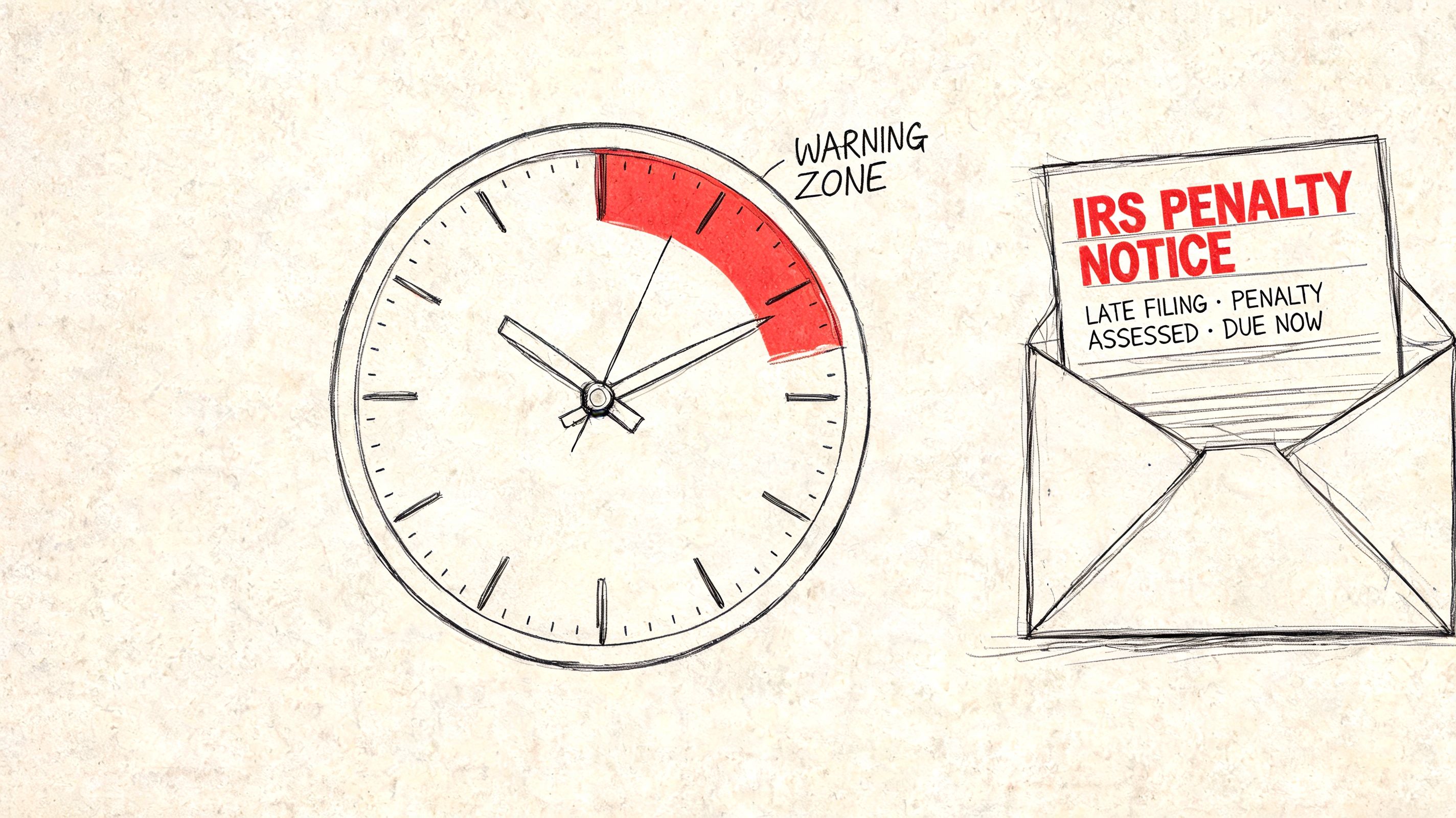
The cost of getting this wrong is not theoretical. Failure to file 1099-NECs can trigger IRS penalties of $60 per form if filed within 30 days of the January 31 deadline, $130 if filed before August 1, and up to $660 for intentional disregard, according to this contractor-focused summary of 1099 filing rules.
Pitfall 1 Missing the deadline because records weren't ready
The January 31 deadline doesn't move just because your books are behind. If you're still chasing W-9s, cleaning up duplicate vendors, or trying to separate business from personal payments at the end of January, the deadline problem usually started months earlier.
What works is a calendar-based close process. Reconcile monthly. Review vendor records before year-end. Resolve missing information while the trail is still fresh.
Pitfall 2 Mishandling labor plus materials
Construction, field service, and installation work create a common gray area. One invoice often includes both labor and materials. The reporting treatment depends on what the invoice reflects.
The redhammer guidance explains the core rule clearly: payments solely for materials do not require 1099 reporting, but when a subcontractor provides services alone or services combined with materials, the service portion counts toward the threshold, as described in this construction 1099 reporting article. The same source gives a concrete example: if a roofing contractor invoices $800 total, made up of $500 in labor and $300 in materials, the $500 labor portion is what counts toward the threshold.
That means vague coding creates real risk. If your books say “roofing invoice” with no breakdown, you may over-report or under-report.
Pitfall 3 Applying the 2026 threshold too early
This one will catch a lot of people. The threshold increase is real, but timing matters. The threshold remains $600 for payments made in 2025 and reported in 2026. The increase to $2,000 applies to payments made in 2026, reported in 2027, based on the verified reporting guidance summarized earlier in the article. If a business starts using the higher threshold too soon, it can miss required filings.
Don't let a future rule rewrite your current-year filing list.
Pitfall 4 Treating entity classification as a guess
A vendor's logo, email address, or business card doesn't tell you whether they're exempt. The W-9 does. If the entity type is wrong in your accounting system, your filing report won't be reliable.
The businesses that avoid these pitfalls usually have one thing in common: they don't separate compliance from bookkeeping. Accurate monthly books are what make accurate 1099s possible.
How Virtual Bookkeeping Simplifies 1099 Subcontractors Compliance
Most owners don't struggle with 1099 for subcontractors because the concept is impossible. They struggle because the workflow competes with everything else. Jobs need to be delivered, invoices need to go out, payroll needs to run, and bookkeeping gets pushed to the side until a deadline forces attention.
Virtual bookkeeping fixes that by moving 1099 compliance upstream. Instead of checking vendor status once a year, the process gets folded into regular bookkeeping work. New vendors are reviewed at setup. W-9s are collected before payments go out. Transactions are coded consistently. Payment records stay current inside QuickBooks Online or Xero rather than being rebuilt from bank statements later.
That shift matters because year-end filing is really just the final step of a much longer chain. If the chain is clean, the filing is straightforward. If the chain is sloppy, January turns into a reconstruction project.
For many businesses, outsourcing that system is more practical than trying to maintain it internally. A virtual team can monitor vendor records, keep accounts payable organized, and make sure 1099 prep is based on current books rather than last-minute cleanup. If you're weighing that option, it helps to understand how outsourced bookkeeping for small business works in day-to-day operations.
The biggest benefit isn't just filing forms on time. It's removing the uncertainty. You know where the documents are. You know which vendors need review. And when January arrives, you're not guessing.
If 1099 season keeps turning into a scramble, Book Tech LLC can help you build a cleaner year-round workflow with organized vendor records, accurate payment tracking, and tax-ready books that support smoother filing.
