
How to Prepare for Tax Season: A Small Business Guide
March is when a lot of small business owners realize their bookkeeping system was really a pile of habits, screenshots, unopened mail, and good intentions. The bank account mostly makes sense. QuickBooks or Xero has transactions in it, but some are uncategorized, some are duplicated, and some were clearly personal. Receipts are in email, in glove compartments, and in a desk drawer. Then the tax deadline starts feeling less like a date and more like a siren.
That scramble is common, but it isn't inevitable. A calmer tax season usually comes from one thing: treating tax prep as an accounting workflow instead of a once-a-year rescue mission. When the books are current, the return gets easier. When the books are messy, every deduction becomes a research project.
Small business owners who want a practical starting point often do better with step-by-step resources instead of generic reminders to “get organized.” If you want a simple companion resource while you work through this process, these actionable tax season checklists from Allied Tax Advisors are useful for keeping the basics in one place.
Table of Contents
Beyond the April Scramble Your Introduction to a Calmer Tax Season
The Year-Round Tax Prep Mindset - Tax prep starts with a quarterly review rhythm - What to decide before the year closes - Clean books matter more than last-minute deduction hunting - Cash planning belongs in tax prep
Your January Game Plan Gathering and Organizing Documents - Build four document buckets - What deserves extra attention - How to store everything so filing is easier
Deep Clean Your Books in QuickBooks or Xero - Start with reconciliation, not recategorizing - Fix the transactions that usually break returns - Generate the reports your tax preparer actually needs
Navigating Payroll 1099s and Common Deductions - Get payroll and contractor reporting right first - Deductions that are often missed - Tie deductions back to clean records
Filing with Confidence and Preparing for Next Year - Software versus a CPA - Stay audit-ready after you file
Beyond the April Scramble Your Introduction to a Calmer Tax Season
The business owner I see most often at tax time isn't lazy. They're busy. They spent the year selling, hiring, serving clients, covering payroll, and solving day-to-day problems. Bookkeeping became the task that got pushed to “later,” until later turned into year-end.
Then the same pattern shows up. A Stripe deposit doesn't match sales records. A credit card has software charges mixed with meals and a family purchase. Loan payments were booked as expenses instead of split between principal and interest. The owner has the documents somewhere, but not in one place, and not in a format that makes tax prep fast.
That creates two problems. First, stress. Second, weak records. A tax return is only as good as the books behind it. If the accounting is unclear, you're forced to guess, over-explain, or leave deductions on the table because you can't support them.
A calm tax season doesn't start with forms. It starts with books you can trust.
The good news is that most first-time organized tax seasons don't require complicated systems. They require a repeatable workflow. Gather documents by category. Reconcile every account. Clean up uncategorized items. Review payroll and contractor payments. Run the right reports. Hand over clean data instead of a pile of questions.
That's the shift. Tax season stops being an annual emergency and becomes a checkpoint. Once that happens, you stop wondering whether you're ready and start knowing where every number came from.
The Year-Round Tax Prep Mindset
A messy tax season usually starts months before the return is due. I see it happen in businesses that wait until year-end to review the books, then discover uncategorized transactions, old invoices, loan balances that do not match statements, and owner transactions sitting in the wrong accounts.
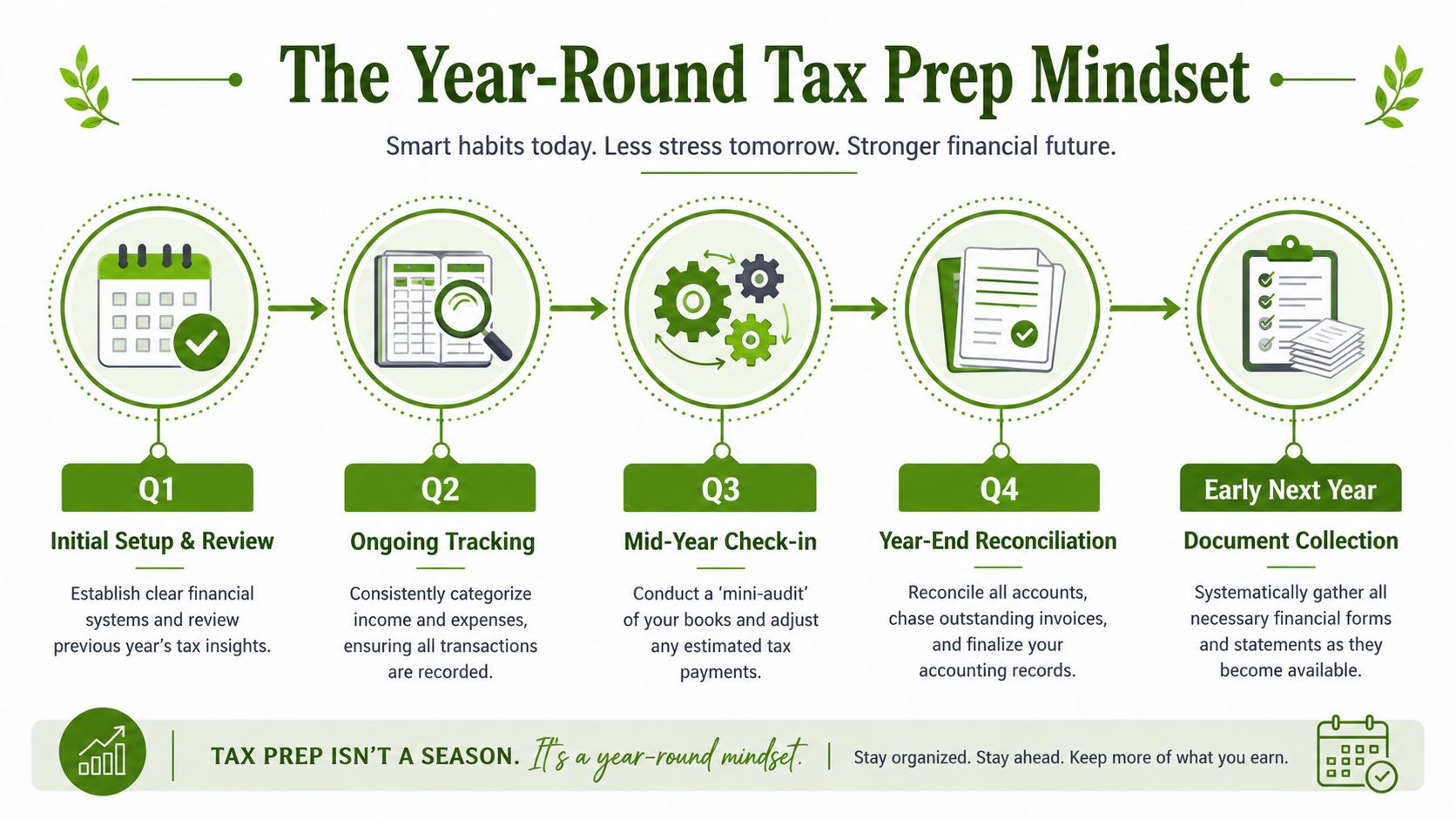
The fix is a schedule, not more effort in March. Strong tax prep comes from short reviews during the year, a focused cleanup in Q4, and a January handoff package that matches what your tax preparer will ask for.
Tax prep starts with a quarterly review rhythm
By October, the goal is not to predict your tax bill down to the dollar. The goal is to know whether your books are reliable enough to make decisions before year-end closes.
Review these four areas every quarter, with extra attention in Q4:
Profit and loss: Compare the current quarter to earlier months. Look for unusual swings in revenue, subcontractors, payroll, meals, advertising, and software.
Balance sheet: Check bank accounts, credit cards, loans, sales tax payable, payroll liabilities, and owner equity for anything stale or misclassified.
Receivables and payables: Old customer balances and unpaid vendor bills can distort profit and cash expectations.
Tax cash reserve: Set aside cash based on current profit, not last year's habits.
If you want a planning framework that connects these reviews to actual decisions, this guide to budgeting and forecasting for small businesses is a useful companion.
What to decide before the year closes
Year-end tax prep is really a records and timing exercise. Good decisions in November and December are easier to document than rushed explanations in February.
Use this checklist during your year-end review:
Area | What to review | Why it matters |
|---|---|---|
Equipment and assets | Purchases, financing agreements, receipts, and in-service dates | Your preparer needs the full asset detail, not just the card charge |
Retirement contributions | Planned contributions and account records | Contribution timing and account type affect what gets reported for the year |
Owner pay and draws | Distributions, personal expenses paid from the business, shareholder or partner payments | Misclassifying owner activity creates avoidable cleanup work |
Payroll | Final pay runs, benefit deductions, tax filings, and year-end adjustments | Wages and payroll tax reports need to match the books |
One rule helps here. If a transaction would need an explanation from memory, write the explanation down now.
This is also the point to confirm your document retention habits. If your expense support is inconsistent, review the practical standard for Self Assessment receipt requirements and apply the same discipline to your business records.
Clean books matter more than last-minute deduction hunting
Many tax guides focus on receipts and forms. The harder problem is usually the accounting file itself.
In QuickBooks or Xero, year-round tax prep means keeping the chart of accounts usable, reconciling every bank and credit card account monthly, clearing suspense or uncategorized transactions, and reviewing transfers so income is not counted twice. It also means checking that loan payments are split correctly, merchant fees are recorded consistently, and owner purchases are not buried in operating expenses.
That work changes the tax season experience. Clean books give your preparer a profit and loss they can trust, a balance sheet that ties out, and fewer follow-up questions.
Cash planning belongs in tax prep
Tax prep is also a cash management job. A business can have accurate books and still feel pressure if there is no plan for the payment itself.
A practical Q4 cash plan includes:
Estimate likely obligations. Income taxes, payroll liabilities, debt payments, and vendor balances hit cash in different ways.
Separate tax cash from operating cash. A dedicated savings account works well for many small businesses.
Flag tight months early. If cash will be thin, your bookkeeper and tax preparer need that context before filing season starts.
Owners who follow this routine usually reach January with fewer surprises, cleaner records, and a clear list of what still needs attention.
Your January Game Plan Gathering and Organizing Documents
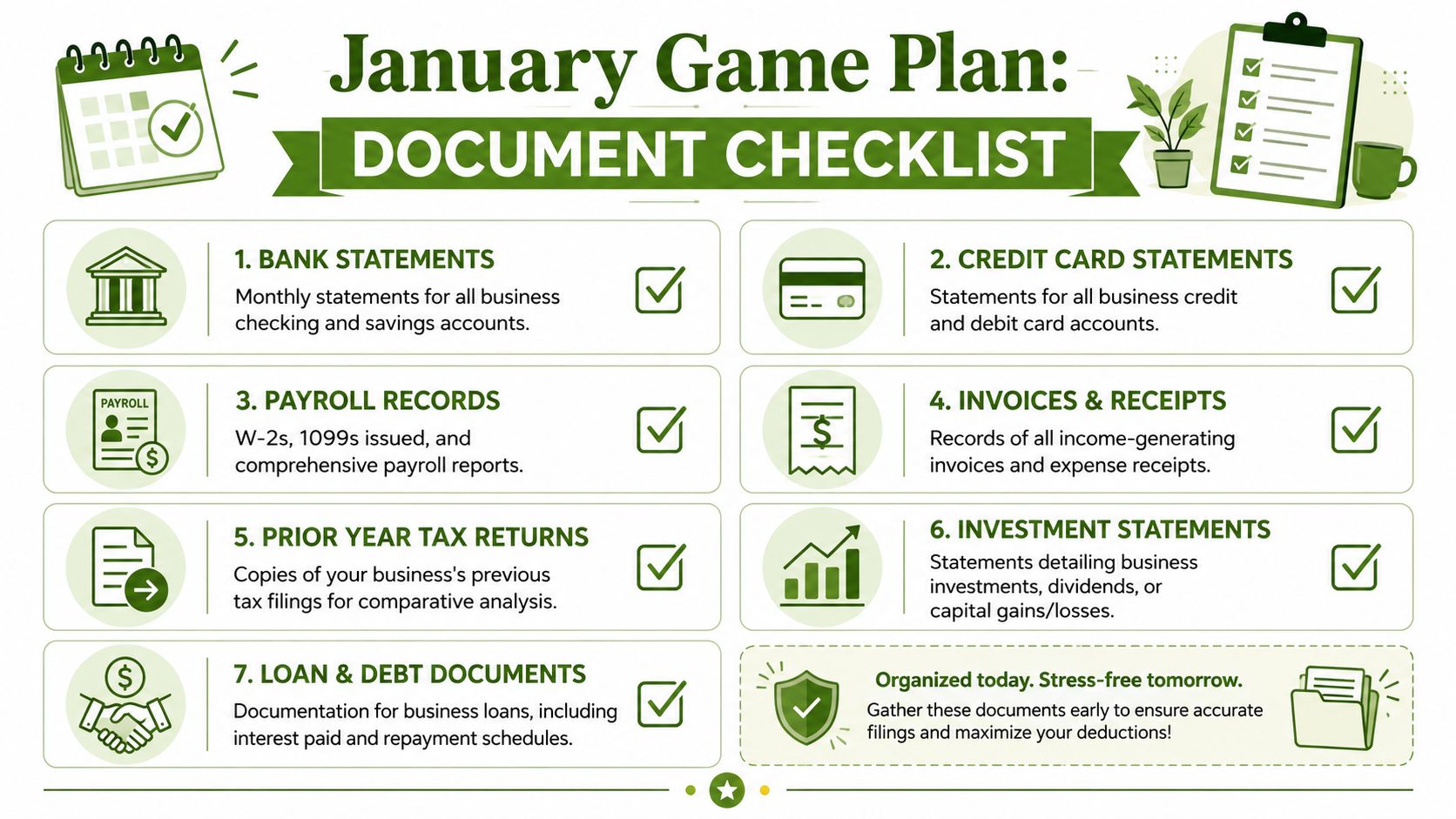
Once the calendar turns, your job is simple in theory and easy to mishandle in practice. Collect every record that supports income, expenses, assets, payroll, debt, and prior filings. Then organize those records so your bookkeeping and tax prep move in the same order.
The IRS reports that approximately 1 in 10 individual tax returns contain errors, often due to missing or mismatched documentation. For small business owners, the error rate can be higher, with over 30% of self-employed filers failing to accurately report deductible business expenses, and proper organization can reduce processing delays by 40% per the verified IRS-based guidance. That should change how you think about January. This isn't admin work. It's error prevention.
Build four document buckets
Don't gather everything into one folder. Split it into these buckets from the start.
Income records Pull merchant processor summaries from Stripe, Square, PayPal, Shopify, Amazon, or your invoicing platform. Include bank deposits, issued invoices, 1099s received, and any loan or grant records that affected cash movement.
Expense support Download bank statements, business credit card statements, major receipts, software subscription records, rent, utilities, insurance, and professional service invoices. If you tracked expenses outside your accounting software, pull that spreadsheet too. A simple small business income and expense spreadsheet can help if you need to bridge gaps before cleanup.
Assets and debt Gather vehicle purchase records, equipment invoices, financing agreements, interest statements, and loan amortization schedules if you have them.
Payroll and contractor files Save payroll summaries, W-2 data, benefits information, and contractor payment reports. These often live in payroll software rather than your bookkeeping file.
What deserves extra attention
Some documents create outsized problems when they're missing.
Do not skip bank and credit card statements. They are the fastest way to catch omitted expenses, duplicate entries, and transactions that never made it into QuickBooks or Xero.
1099s matter, but they aren't your bookkeeping system. If deposits in the bank don't match your internal sales records, fix the books first.
Receipts are another area where business owners overcorrect or under-document. You don't need to obsess over every minor slip of paper, but you do need a defensible recordkeeping method. If you're unsure what support is worth keeping, this overview of Self Assessment receipt requirements is a practical reference for thinking about documentation standards.
How to store everything so filing is easier to prepare for tax season
The best folder structure is boring and consistent. Use cloud storage, then create a tax-year master folder with subfolders such as:
Income
Bank
Credit Cards
Payroll
Contractors
Assets
Loans
Prior Year Return
Questions for Accountant
Name files in a way a preparer can read without opening each one. “2024-12 Chase Ink Statement.pdf” is good. “scan003-final-new.pdf” is not.
A practical prep workflow used by many firms is to collect source documents, reconcile them against the prior-year return and current records, then map each item into the filing organizer in the same order the software expects, as outlined in this tax-season preparation workflow guide. That one habit cuts down on back-and-forth more than people expect.
Deep Clean Your Books in QuickBooks or Xero
If your bookkeeping file is messy, tax season is won or lost at this point. Most business owners think cleanup means recategorizing a few expenses. It doesn't. Cleanup means making the accounting system agree with reality.
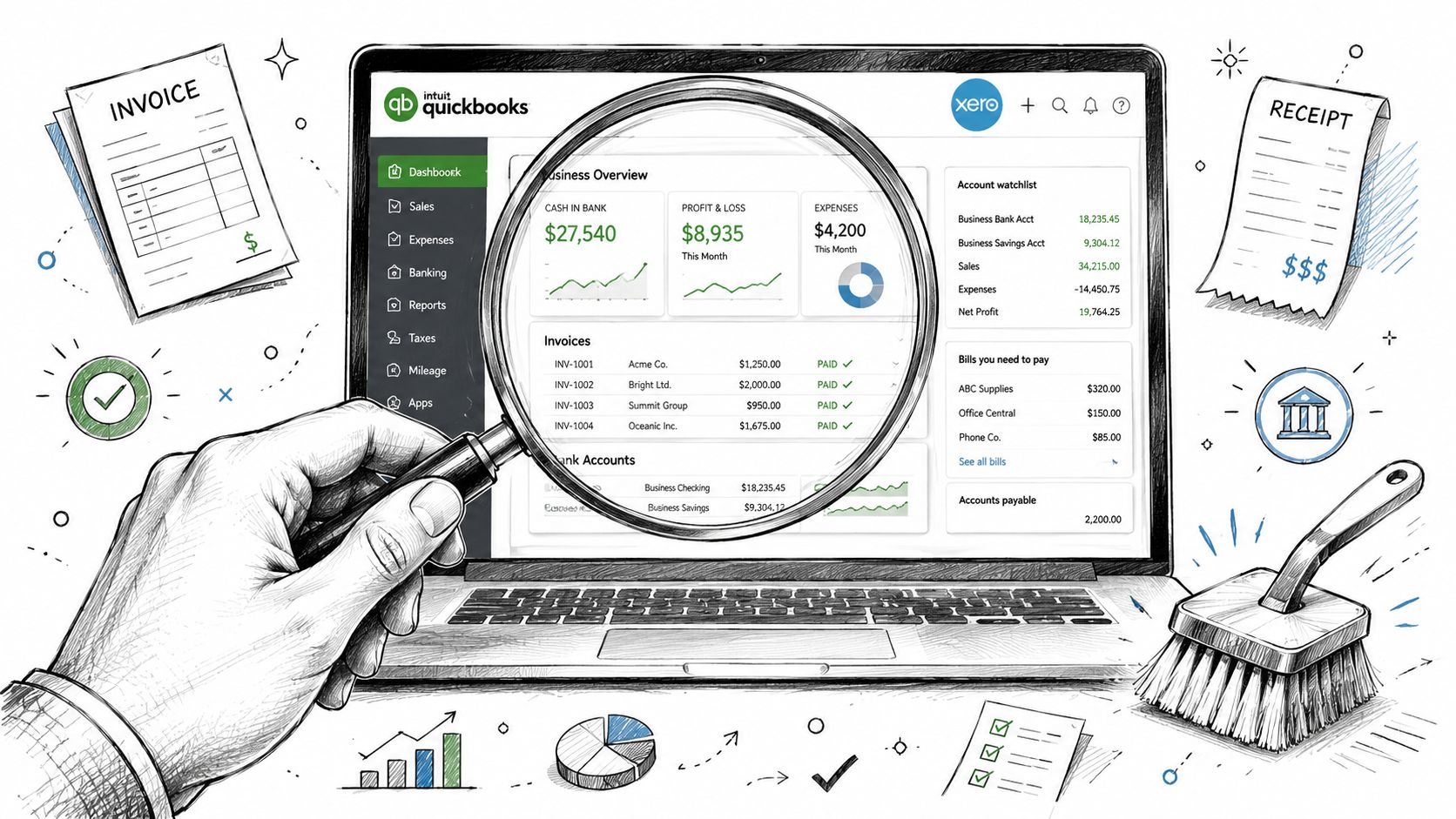
A common gap in tax prep advice is what to do when records are incomplete. Many guides stop at “collect your paperwork,” but don't show owners how to rebuild expenses from bank feeds, identify uncategorized transactions, or reconstruct mileage before filing, which is exactly the gap noted in this messy year-end close discussion.
Start with reconciliation, not recategorizing
In both QuickBooks Online and Xero, the first move is reconciliation. Do not start by cleaning the profit and loss. If the bank and credit card balances are wrong, the rest of the reports are suspect.
Work in this order:
Reconcile every bank account through year-end. Match to the ending statement balance.
Reconcile every credit card account. Watch for payments booked twice, especially when bank feeds import both the charge and the transfer.
Check loan balances. Monthly payments often get dumped into expense accounts when part of the payment should reduce principal.
Review payment processors. Stripe, Square, PayPal, and Shopify clearing accounts often hold fees, rolling reserves, or transfers that need cleanup.
If you're dealing with months of backlog, a dedicated cleanup bookkeeping process is usually faster than trying to patch individual transactions one by one.
Fix the transactions that usually break returns
After reconciliation, scan for the issues that cause the most tax-season confusion.
Problem | What it looks like | What to do |
|---|---|---|
Uncategorized activity | Transactions sitting in Ask My Accountant, Uncategorized Expense, or Suspense | Assign proper accounts before handing off reports |
Mixed personal and business spending | Family groceries, personal subscriptions, or personal travel in business cards | Reclassify to owner draw or shareholder distribution where appropriate |
Duplicate income | Sales entered from invoices and also from bank feeds | Remove duplicate entries so income isn't overstated |
Old outstanding checks | Checks listed as open for months with no clearing activity | Confirm whether they should be voided or reissued |
Stale receivables or payables | Customers or vendors showing old balances no one recognizes | Research, apply payments, or clear with proper support |
If you can't explain a balance sheet account in one sentence, it probably needs attention before filing.
Mileage and home-office support also need real records. If you tracked them outside the bookkeeping file, bring those logs together now. Tax prep goes faster when support is assembled before anyone starts preparing forms.
A helpful walkthrough of the software side is below.
Generate the reports your tax preparer actually needs
Once cleanup is complete, generate the core reports from QuickBooks or Xero as of year-end:
Profit and Loss
Balance Sheet
General Ledger
Accounts Receivable Aging
Accounts Payable Aging
Payroll summaries
Fixed asset detail, if tracked in the system
Then review them like an owner, not just like a bookkeeper. Does revenue make sense? Do credit card balances match statements? Are loans still on the books? Are owner transactions separated from business expenses?
That's the difference between “books exist” and “books are tax-ready.”
Navigating Payroll 1099s and Common Deductions
You finish cleaning up QuickBooks, then realize payroll totals in the Profit and Loss do not match what Gusto shows for the year, one contractor never sent a W-9, and several meals and software charges are sitting in Ask My Accountant. That is a common point of failure in tax season. The books look close, but the support behind the numbers is still incomplete.
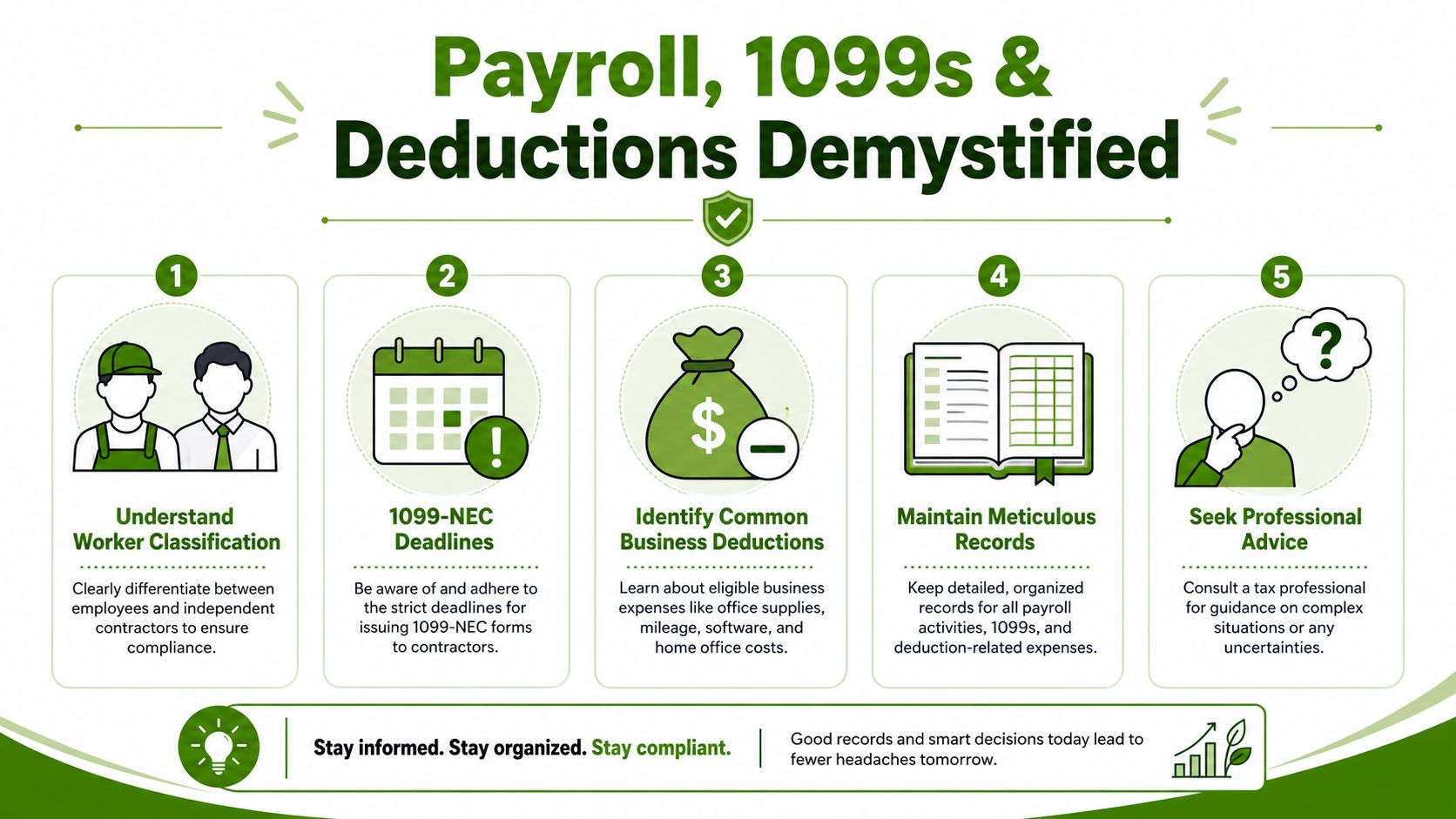
Payroll, contractor reporting, and deductions deserve a separate review because they involve both compliance and bookkeeping accuracy. Forms matter, but the bigger issue is whether the tax return agrees with your payroll system, bank activity, and general ledger. If those three do not line up, your preparer has to stop and investigate.
Get payroll and contractor reporting right first
Start with labor. It is usually the largest expense on the return, and it is one of the easiest areas to get wrong if you paid people through more than one system.
Pull these records before you review deductions:
Payroll summaries from Gusto, ADP, Rippling, QuickBooks Payroll, or your payroll provider
W-2 support for employees
Contractor payment detail for anyone paid by check, ACH, bill pay, PayPal, Stripe, or another platform outside payroll
W-9 forms for vendors who may need a 1099
Year-end vendor list showing total paid and payment method
Then reconcile them. Wages in QuickBooks or Xero should tie to payroll reports. Employer taxes should hit payroll tax expense accounts, not miscellaneous expense. Contractor payments should match what cleared the bank and what sits in your vendor records.
Classification is where small businesses lose time. A worker paid every two weeks, trained by your team, and doing work under your direction may not belong in a contractor bucket just because they asked for it. If you need help sorting 1099 exceptions, start with this guide on whether corporations get 1099s.
A practical software check helps here:
In QuickBooks Online, review payroll expense accounts, run a Profit and Loss by month, and scan uncategorized or journal-posted payroll entries
In Xero, compare wage and tax accounts to payroll reports and look for manual postings to payroll-related accounts
In either system, review the vendor list for duplicate names, missing tax IDs, or payments split across slightly different vendor profiles
Deductions that are often missed
Missed deductions usually come from poor capture, not obscure tax strategy. The expense happened, but it was coded to the wrong place, mixed with personal spending, or never fully documented.
Review these categories with support in hand:
Vehicle use, with a mileage log or actual expense records
Home office costs, if the space qualifies and you kept support
Software and subscriptions, including bookkeeping, POS, CRM, scheduling, e-commerce, and project tools
Merchant fees and processor charges, which often hide inside net deposits
Interest expense on business loans or cards
Insurance, licenses, dues, and training tied to business operations
The trade-off is simple. Claiming a deduction without support creates questions later. Skipping a valid deduction because the records are weak costs money now. Good bookkeeping solves both problems by giving each expense a clear category, matching document, and business purpose.
Tie deductions back to clean records
Use a short test for every deduction you plan to keep:
It is posted to the correct account.
It matches a receipt, statement, or payroll record.
The business purpose is clear.
Any personal portion has been removed.
The total agrees with the rest of the books.
I tell owners to pay special attention to expenses that arrive through bank feeds with vague descriptions. "SQ *", "INTUIT", "AMZN Mktp", and card processor net deposits are common places where real deductions get buried or overstated. Clean them up before the return is prepared, not after your tax preparer starts asking for explanations.
Clean payroll records and clean deduction support reduce rework. They also give you a return that matches the books you routinely use to run the business.
Filing with Confidence and Preparing for Next Year
Once your books are clean and your documents are assembled, filing becomes a decision about complexity, not chaos. Some businesses can use tax software successfully. Others should hire a CPA because they have payroll issues, multi-state activity, entity elections, fixed assets, shareholders, or messy prior-year carryovers.
Software versus a CPA
Tax software works best when the books are already right and the return is relatively straightforward. A CPA earns their fee when the business has gray areas, not just data entry. If you're spending hours explaining transactions, fixing old balances, or guessing which reports matter, you're already dealing with more than a software problem.
For firms and tax professionals, readiness is measurable. Cloud-based tax software, secure file-sharing, and early scheduling are baseline controls, and one industry guide recommends finalizing pricing and procurement 4–6 weeks before season begins, noting that last-minute preparation is tied to lower quality and higher costs in this tax preparer readiness guide. That same logic applies to business owners. Late starts cost more.
A clean set of small business financial reports also makes the handoff better whether you file with software or with a CPA.
Stay audit-ready after you file
The easiest next tax season starts the month after this one ends. Keep monthly reconciliations current. Save statements as they come in. Store receipts and contracts in a predictable folder structure. Review the profit and loss monthly instead of discovering the year in one sitting.
The IRS also notes that electronic filing is generally the fastest and most accurate method, and it aims to process 90% of returns within 21 days of submission in the filing season described in the verified guidance [N:4]. That speed only helps if the information submitted is clean.
Tax season is never effortless, but it can be controlled. Good filing is the result of good bookkeeping. If the books stay ready, tax prep stops feeling like recovery work.
If you want tax-ready books without doing all of this alone, Book Tech LLC helps small businesses stay organized year-round with virtual bookkeeping, catch-up and clean-up work, payroll administration, and monthly financial reporting in QuickBooks Online and Xero. The result is simple: cleaner records, fewer surprises, and a much easier tax season.